Google just gave every creator a Search Console report for their Instagram, TikTok, X and YouTube content. Platform properties, announced on 7 July 2026, are the first Search Console property you can verify without owning a website. If you post on social, Google now shows you the exact searches your posts appear for.
I connected StudioHawk's YouTube channel to it the day it rolled out, the channel I run the SEO for. Here is what six days of real data looks like, and the play it unlocks.
What are Search Console platform properties?
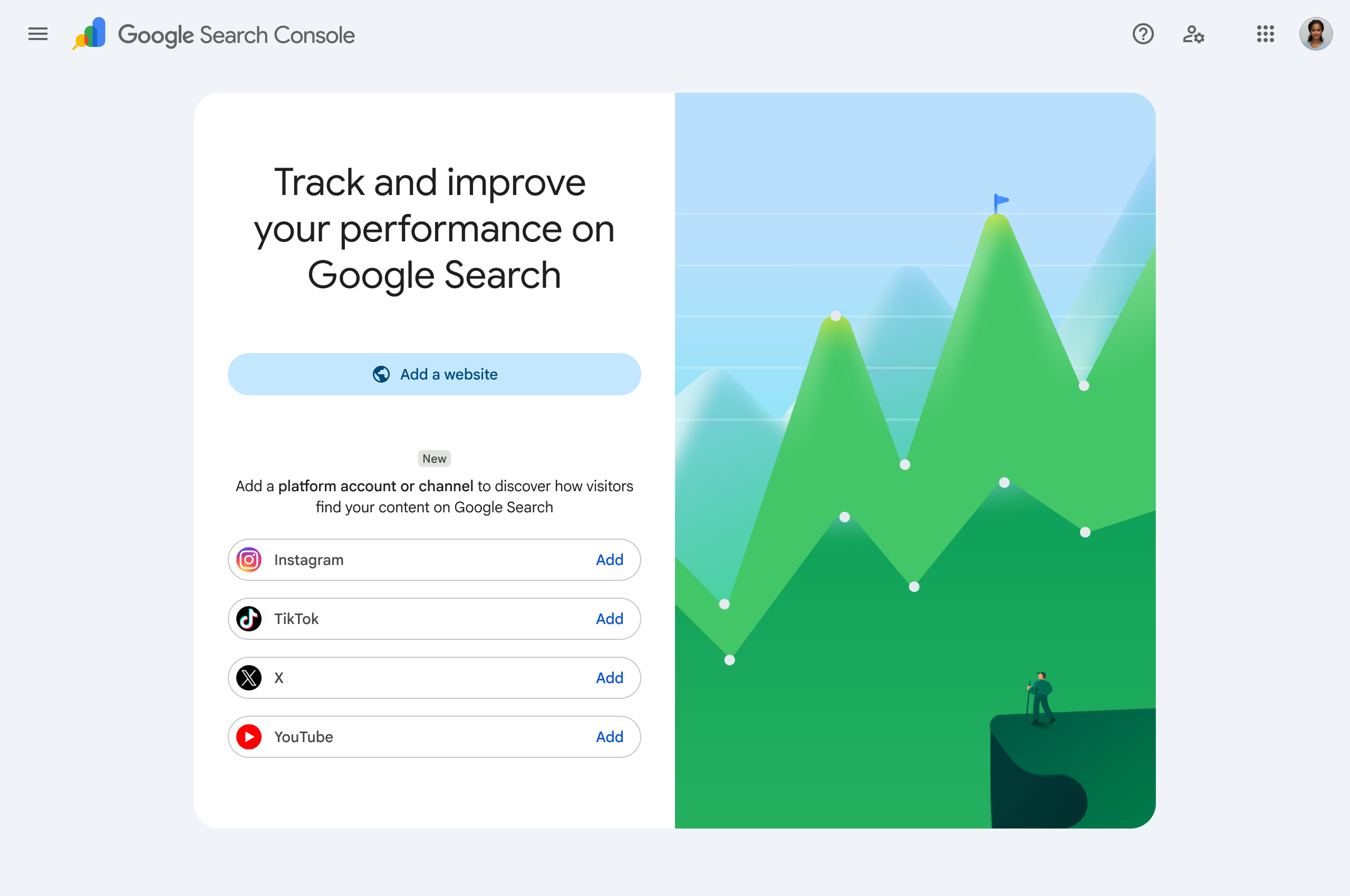
Search Console platform properties are a new property type that shows how your Instagram, TikTok, X and YouTube content performs in Google Search and Discover. Until now, Search Console only worked if you owned and verified a website. Platform properties break that rule: you add a social or video account, verify it, and get query-level performance data on content you publish on someone else's platform. Google's own announcement and help doc cover the mechanics. The reports are where it gets interesting.
What do the platform property reports actually show?
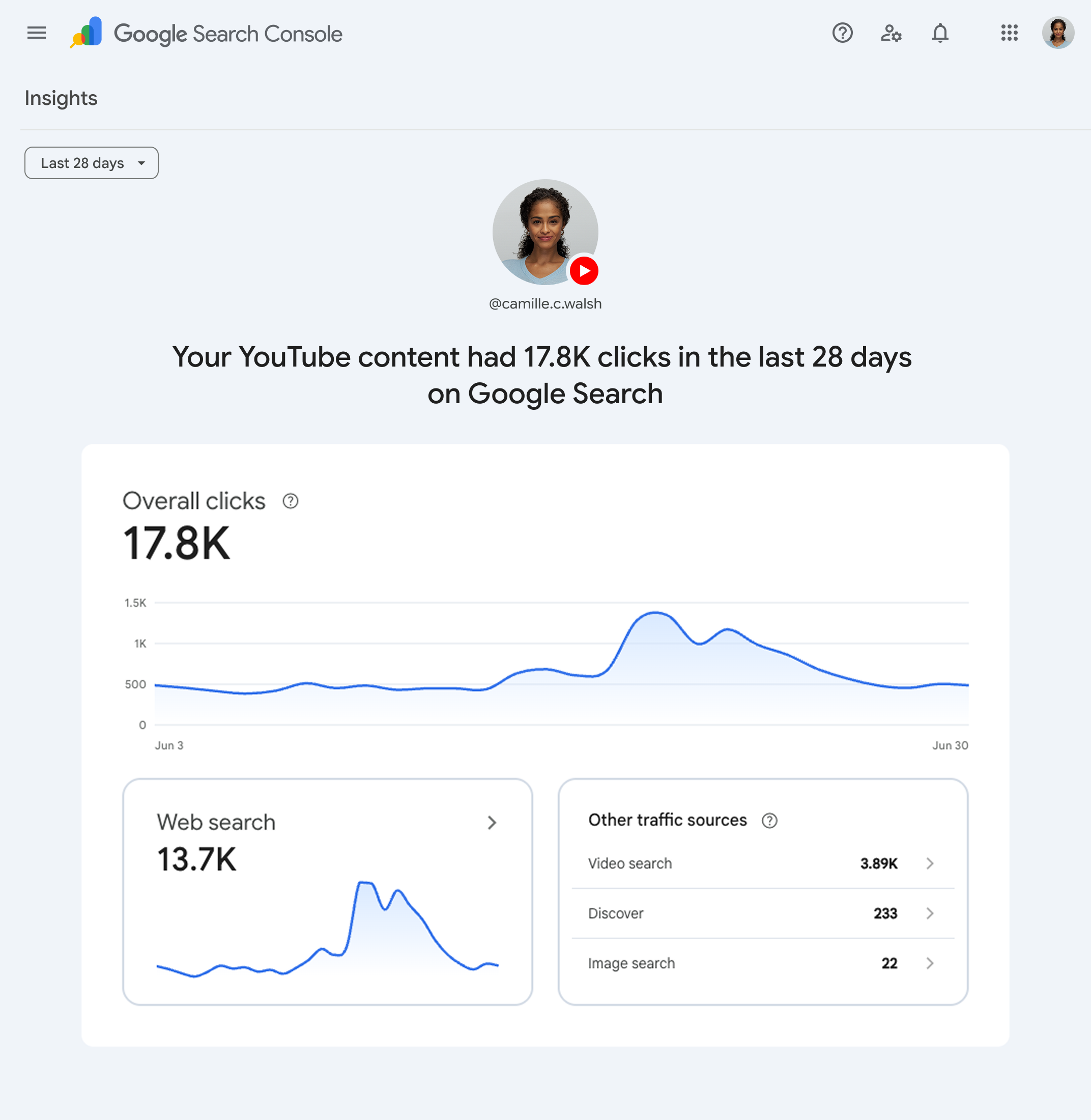
The platform property reports show three things: a Performance report, an Insights overview, and Achievements. Performance gives you clicks, impressions, CTR and position, filterable by post and by query, the same grid a website gets. Insights is the high-level view: recent traffic trend, top posts, and how people discover your account. Achievements track click milestones. The Performance grid is the one that matters, because the query list is a map of what Google already associates with your content.
What did I find in my own platform-property data?
The StudioHawk channel's platform-property data showed 114,242 impressions and 21 clicks across 1,000 queries in six days, at an average position of 25. Read one way, that is a disaster: a 0.018% click-through rate. Read the right way, it is the opportunity. The channel is being shown to a hundred thousand searchers a week and almost none of them click, because the videos sit on page two or three. The clicks are not the story. The 282 queries already ranking in the top ten are the story.
Look at the pillars: "ai search" at 3,448 impressions, "what is a sitemap" at 3,380, "enterprise seo strategy", "anchor text in seo". I never targeted these with the videos. Google inferred them. That inference, printed as a query list, is a topical map I did not have to build. It tells me exactly which pillars the channel's video content already owns in Search, and which are one thumbnail or title away from the clicks.
How does each platform show up differently?
Each platform shows up differently because Google surfaces each format in a different place, and only YouTube is fully live so far. The property type covers four surfaces, and the data flows at different rates and for different reasons.
- YouTube (see the YouTube topical map) is live and rich, because video has been in Google Search for years (video carousels, the Videos tab, Discover). This is where the data above comes from. If you run a channel, connect it first.
- The TikTok topical map matters because TikTok is a search engine in its own right, and Google now indexes public TikToks. Expect discovery-led, short-query traffic once it populates. Integration is rolling out, so the property may be empty for a while.
- The Instagram topical map surfaces through Reels and image results. Captions and on-screen text carry the relevance, so the query data will reward accounts that write real captions, not emoji. Rolling out.
- The X topical map is real-time and conversational. Google surfaces posts for fresh, event-driven queries, so the platform property will read spikier than the others. Rolling out.
The point of connecting all four is not four dashboards. It is one view of which pillars each surface carries, which is exactly what a social topical map is for.
What is a social topical map, and why does this data make it possible?
A social topical map is one central topic projected across every platform you publish on, measured with the query data each surface reports. I coined the framework in July 2026 as the social extension of a website topical map. The idea was always sound and never measurable, because you could not see what search terms your social posts earned. Platform properties fix that. The 1,000-query export above is the raw material: it tells you which platform carries each of your content pillars, where you are strong, and where a competitor owns a pillar you should. The full method lives on my social topical map page, and it links back to the two levers everything feeds: ranking in traditional search and getting surfaced in AI search. Google's own AI Mode multimodal work makes that second lever concrete: multimodal content is a factor, so a video ranking for "ai search" is also a candidate to be pulled into an AI answer.
How do you turn platform-property data into a plan?
You turn platform-property data into a plan by sorting every query into optimise, embed, or produce. Optimise the pillars already in striking distance (my 282 near-win queries): sharpen the title, thumbnail and description of the video that ranks. Embed those videos on the matching pages of your site, so one pillar earns a video placement and a page placement in the same result. Produce for the gaps: pillars with impressions but no strong video yet. Doing that by hand across 1,000 queries is the tedious part, so I built it into a free tool. The Social Topical Map Generator reads your platform-property export and returns the optimise/embed/produce plan as a spreadsheet, and the YouTube Video Search Result Optimizer handles the per-video optimisation. Both run in your browser, nothing is uploaded.
Social Topical Map Generator
Drop your Search Console platform-property exports in and it maps the content pillars you own, which platform carries each, and the Optimize, Embed and Produce action plan a pillar chart never gives you. It exports a spreadsheet plus a prompt pack that briefs your next YouTube video, Reel and X post. Runs entirely in your browser, nothing is uploaded.
Open the Social Topical Map GeneratorHow do you set up a platform property?
You set up a platform property by adding your account in Search Console and verifying ownership. Open the property selector, choose Instagram, TikTok, X or YouTube, and follow the verification steps. The rollout is gradual, so if you do not see the option yet, check back. Once it verifies, the Performance report starts filling within a day or two. Then export the query list, and you have the first honest map of what your social content earns in Google Search. Google's setup guide has the current steps.
Frequently asked questions
Do I need a website to use platform properties?
No. Platform properties are the first Search Console property you verify without a domain. You add the social or video account itself, which is the whole point for creators who publish only on social.
Which platforms are supported?
Instagram, TikTok, X and YouTube are supported. YouTube is fully live now; the other three roll out gradually, so a newly added property may show no data at first.
Why are my impressions huge but my clicks tiny?
Huge impressions with tiny clicks mean your content is surfaced in Search but ranks too low to earn the click. My own property ran 114,242 impressions to 21 clicks at position 25 in six days. The fix is optimising the posts already in striking distance, not chasing new visibility.
How is this different from YouTube Studio analytics?
Platform properties measure Google Search, not the platform's own feed. YouTube Studio tells you how a video performs inside YouTube. The platform property tells you which Google searches surface it, which is the data a topical map needs.
How this data was measured
The figures come from a real Search Console platform-property export for the StudioHawk YouTube channel I connected, covering 7 to 12 July 2026: 114,242 impressions, 21 clicks, 1,000 queries, 282 of them at position 10 or better. Google product screenshots illustrate the interface. Real property, measured values.
Soaring Above Search
Weekly AI search insights from the front line. One newsletter. Six sections. Everything that actually moved this week, with a practitioner's take.

AI SEO consultant and AI search consultant helping brands appear in AI Overviews, AI Mode and ChatGPT. Chief of Staff at StudioHawk, Australia's largest dedicated SEO agency. Runs a measured three-channel playbook: Google, Bing and AI citations. Book a free consultation →